




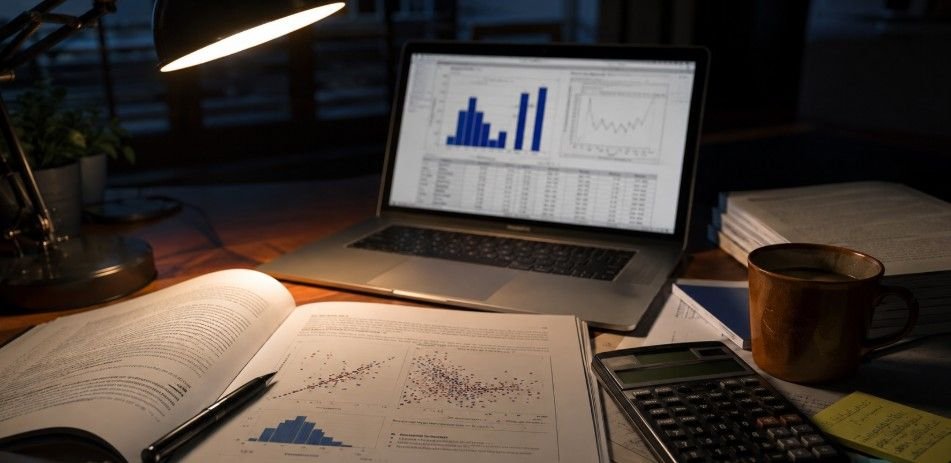
Feeling stuck is normal today. That is why students often search what is SPSS used for in dissertations before starting analysis. SPSS helps you organize quantitative data, test hypotheses, and turn confusing numbers into results your committee can understand.
How SPSS Supports Dissertation Analysis
SPSS helps students turn raw research data into clear, usable findings. It organizes survey responses, experiment results, coded variables, and numerical records so the analysis feels less confusing.
From Data To Results
With SPSS, you can label variables, clean data, run statistical tests, create tables, and review outputs in one place. This makes quantitative dissertation data analysis easier without needing advanced coding skills.
From Results To Chapter 4
SPSS also supports Chapter 4 by producing descriptive statistics, hypothesis test results, charts, and APA-style values. You still interpret the output, choose the right test, and connect findings back to your research questions and hypotheses.
Data Cleaning And Preparation
Clean data is the foundation of trustworthy SPSS dissertation data analysis.
Data Entry And Importing
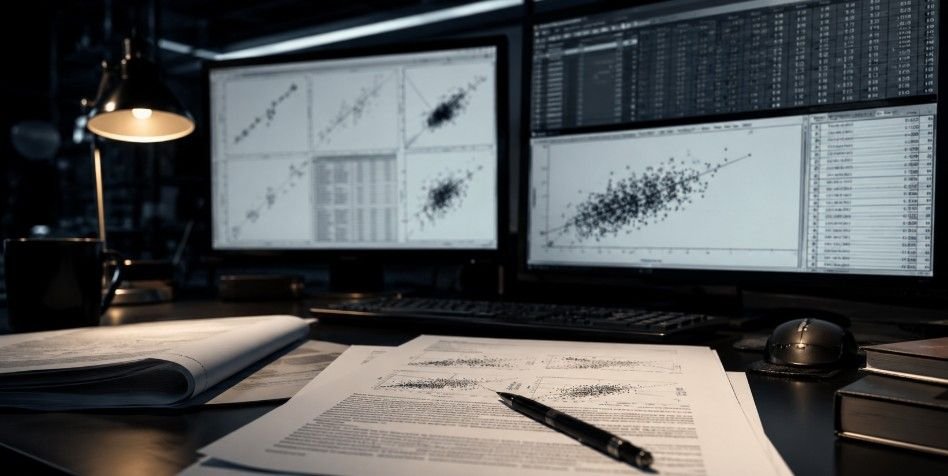
Your data must be placed into SPSS correctly. Students often import files from Qualtrics, Google Forms, Excel, SurveyMonkey, or databases. Each column becomes a variable, and each row usually represents one participant.
Small setup mistakes can create big analysis problems. Clear labels, correct coding, and accurate measurement levels help you avoid confusion in SPSS statistical tests.
Data Cleaning And Recoding
SPSS helps identify missing values, duplicate responses, impossible entries, and outliers. For example, if a survey uses a 1 to 5 scale and someone enters 9, SPSS can help you spot that error.
Recoding is also common. You may need to reverse-code negative survey items or group ages into categories. Careful cleaning improves accuracy and strengthens your analysis.
Reliability Testing
Many dissertations use surveys with multiple items measuring one concept, such as stress, motivation, leadership, or satisfaction. SPSS can test internal consistency using Cronbach’s Alpha.
A strong reliability score suggests that the items work well together. This matters because unreliable instruments can weaken your findings, even with a suitable sample and test.
Descriptive Statistics
Descriptive statistics help readers understand your sample before testing begins.
Central Tendency
SPSS calculates means, medians, and modes to show the typical response in your dataset. These values help summarize variables such as age, satisfaction, income, scores, or ratings.
For example, a mean score can show average student engagement. A median may be better when data is skewed. These numbers give your committee a quick sample view.
Variability And Spread
SPSS also calculates standard deviations, ranges, minimums, and maximums. These values show how much responses differ from one another.
Variability matters because two groups can have the same average but different patterns. A low standard deviation suggests responses are clustered closely, while a high standard deviation shows wider differences.
Frequencies And Percentages
SPSS can show how many participants belong to each category, such as gender, education level, job role, age group, or study year.
Percentages make results easier to read. Instead of listing raw counts only, you can report that 55 percent of respondents were male. This supports a clear participant profile.
Hypothesis Testing
Inferential statistics help you answer the main research questions in your dissertation.

T Tests And ANOVA
T tests compare the means of two groups. For example, you might compare satisfaction scores between online and in-person students. SPSS shows whether the difference is significant.
ANOVA compares three or more groups. A business dissertation might compare job satisfaction across entry-level, mid-level, and senior employees. These tests show whether observed differences are meaningful or random.
Correlation And Regression
Correlation measures the strength and direction of a relationship between two variables. A Pearson correlation may show whether study time is related to exam performance or whether leadership support is related to engagement.
Regression goes further by predicting one variable from another. Multiple regression can test how several independent variables predict one dependent variable. This makes SPSS analysis for dissertation studies useful for predictors, outcomes, and controls.
Chi Square And Assumption Checks
Chi-square tests are useful when your variables are categorical. For example, you may test whether program type is associated with graduation status.
SPSS can also help check assumptions such as normality, homogeneity of variance, linearity, and multicollinearity. These checks protect your results from common statistical errors and make analysis defensible.
Data Visualization
Visuals make findings easier to understand.
Charts For Clearer Results
SPSS can create bar charts, histograms, pie charts, boxplots, and scatterplots. These visuals help readers see patterns, group differences, distributions, and relationships without digging through every number.
A histogram can show whether a variable is normally distributed. A scatterplot can show whether two variables move together. A bar chart can compare categories clearly for a dissertation audience.
Visuals For Chapter 4
Good visuals support SPSS Chapter 4 by making findings easier to scan. They should be clean, relevant, and directly connected to your research questions.
Avoid using charts just to decorate the chapter. Every figure should explain something useful. Strong data visualization improves readability and helps your committee understand your quantitative findings faster.
How To Use SPSS In A Dissertation
Here is a simple way to approach what is SPSS used for in dissertations during the writing process.

Start With Your Research Questions
Begin by matching each research question or hypothesis to your variables. Decide whether you are comparing groups, testing relationships, predicting outcomes, or describing a sample.
Then identify your independent and dependent variables. Check whether each variable is nominal, ordinal, interval, or ratio. This helps you choose suitable SPSS statistical tests for dissertation analysis.
Prepare, Test, And Interpret
After importing your data, clean it carefully. Check missing values, outliers, coding errors, and reliability. Then run descriptive statistics to understand your sample before moving into inferential tests.
Once you run the test, focus on SPSS output interpretation. Look at key statistics, significance values, confidence intervals, and effect sizes. Then translate output into clear academic language for APA 7 SPSS results.
Get Support When Needed
Many students use dissertation help because SPSS requires software skill and research judgment. Expert guidance can help with test selection, assumption checks, output interpretation, and Chapter 4 reporting.
Frequently Asked Questions
1. Do You Have To Use SPSS In My Dissertation?
No. You only need SPSS if your dissertation uses quantitative data and your university accepts it. Some studies use Excel, R, Python, Stata, NVivo, or manual thematic analysis.
2. What Is The Purpose Of Using SPSS In Research?
SPSS helps researchers manage data, run statistical tests, test hypotheses, create visuals, and report findings clearly. Its main purpose is turning raw quantitative data into reliable research evidence.
3. How To Use SPSS For Thesis?
Import your data, label variables, clean errors, run descriptive statistics, choose the right test, check assumptions, interpret output, and write APA-style results that answer your research questions.
4. Can ChatGPT Replace SPSS?
No. ChatGPT can explain concepts and improve wording, but it cannot replace verified statistical software for data testing, assumption checks, hypothesis testing, or official dissertation analysis.
Data Done Right: what is SPSS used for in dissertations
So, what is SPSS used for in dissertations? It helps clean data, summarize samples, test hypotheses, create visuals, and write clear Chapter 4 results. Used wisely, SPSS turns messy numbers into meaningful evidence and makes dissertation data analysis feel far more manageable.